Vendor Guide
Collections
|
Vendor Documentation – Vendors GuideComplete guide for vendors to manage their accounts and products on Bazar Al Ward. Step-by-step instructions with visual screenshots to help you navigate the Vendor Panel easily. 1. Getting Started & AccountLearn how to register as a vendor, create your account, and complete the initial setup process to start selling on Bazar Al Ward. 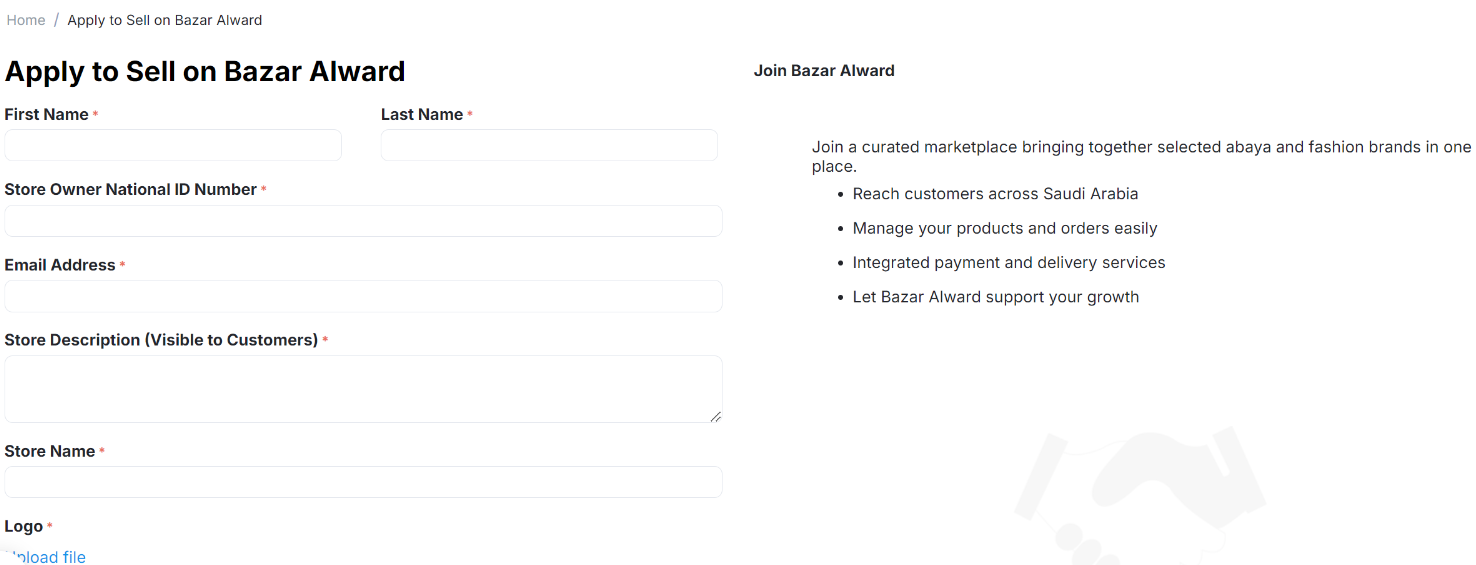
2. Adding a ProductStep-by-step instructions for adding new products to your store, including required fields and best practices. 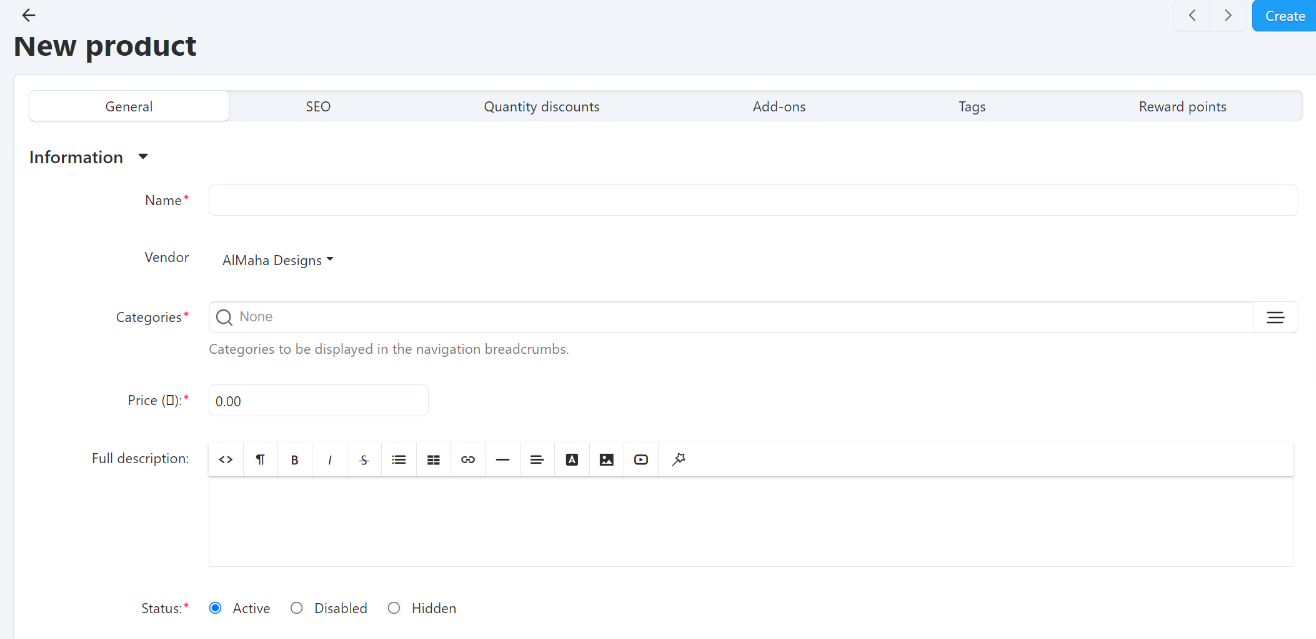
3. Managing Product InformationHow to edit, update, and manage your product information, descriptions, and details efficiently. 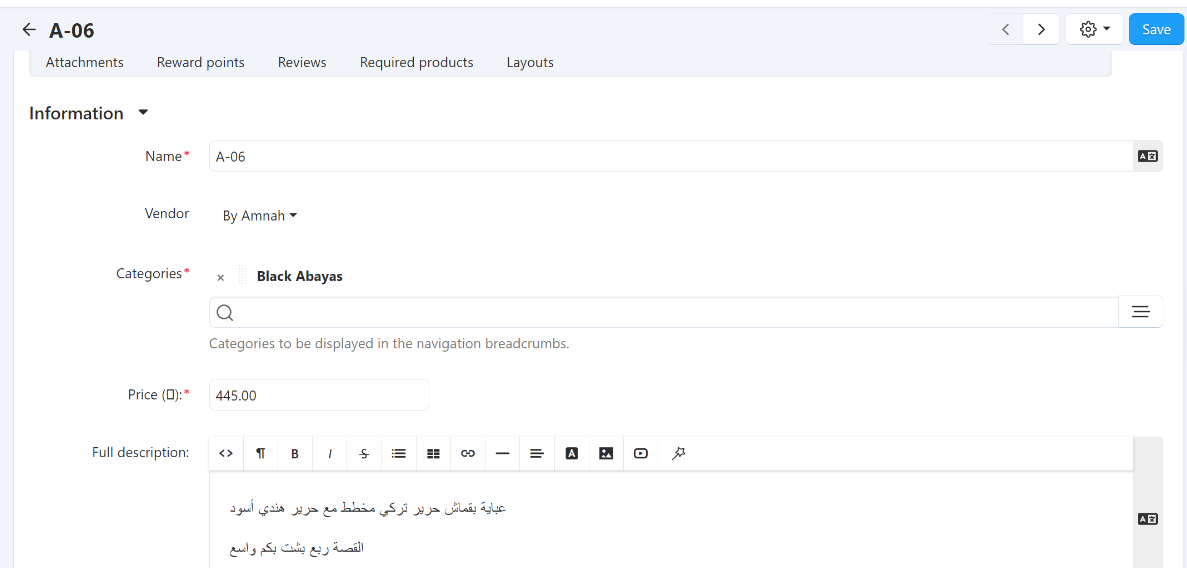
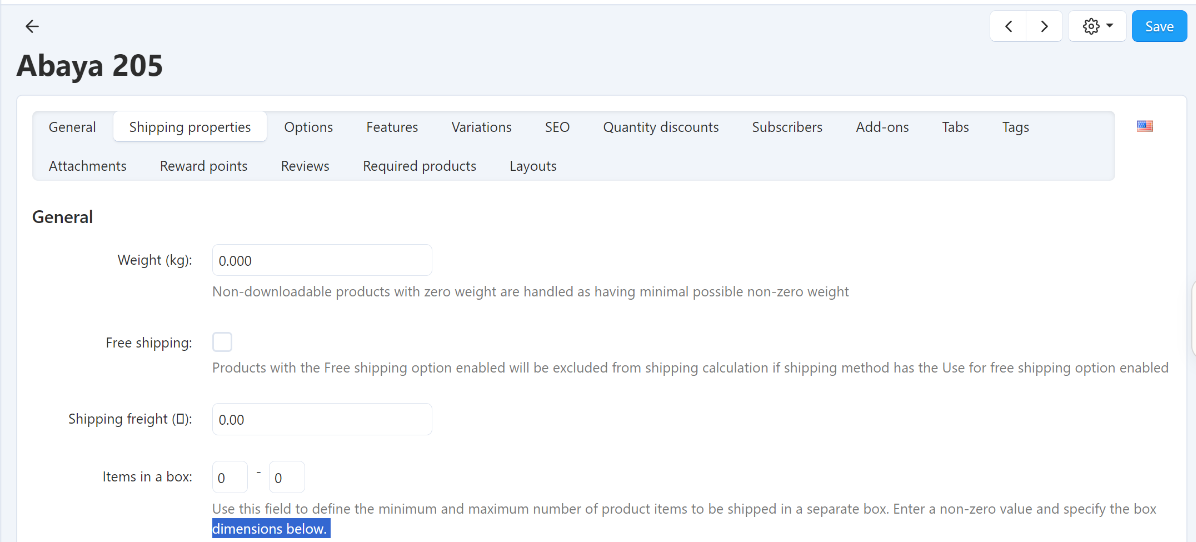
4. Product Options, Features, Variations & Image MeasurementsConfigure product variations, sizes, colors, and measurement options for your products. 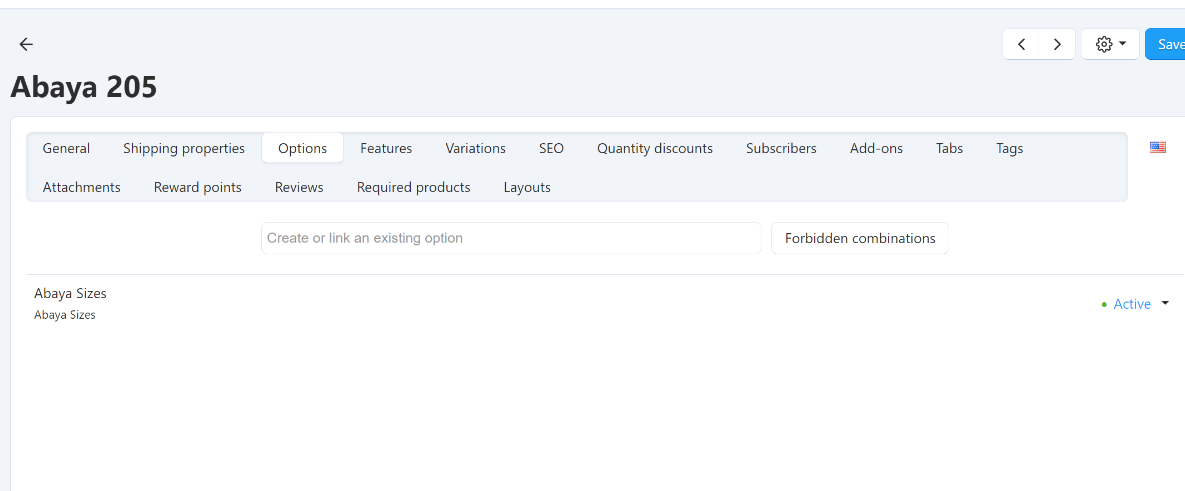
5. Pricing & InventoryManage product pricing, set discounts, and track inventory levels to ensure smooth operations. 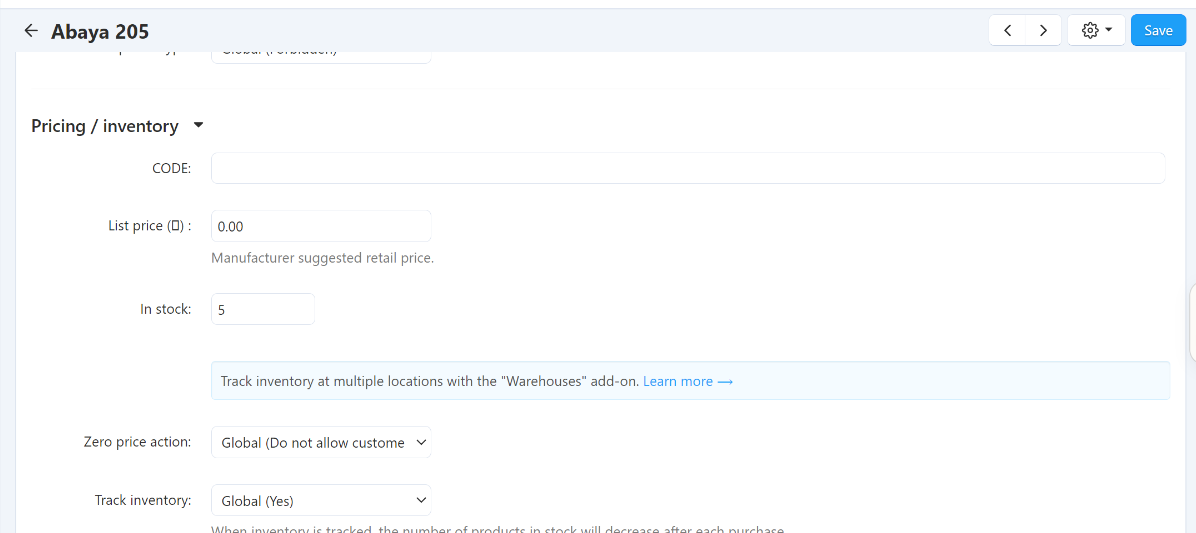
7. Managing OrdersProcess orders, update order status, and manage customer orders from receipt to delivery. 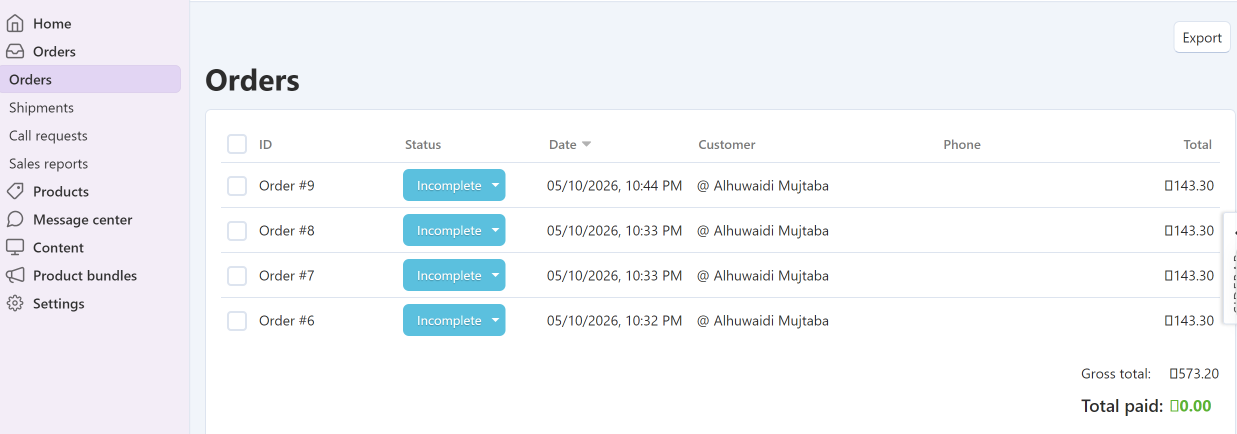
|